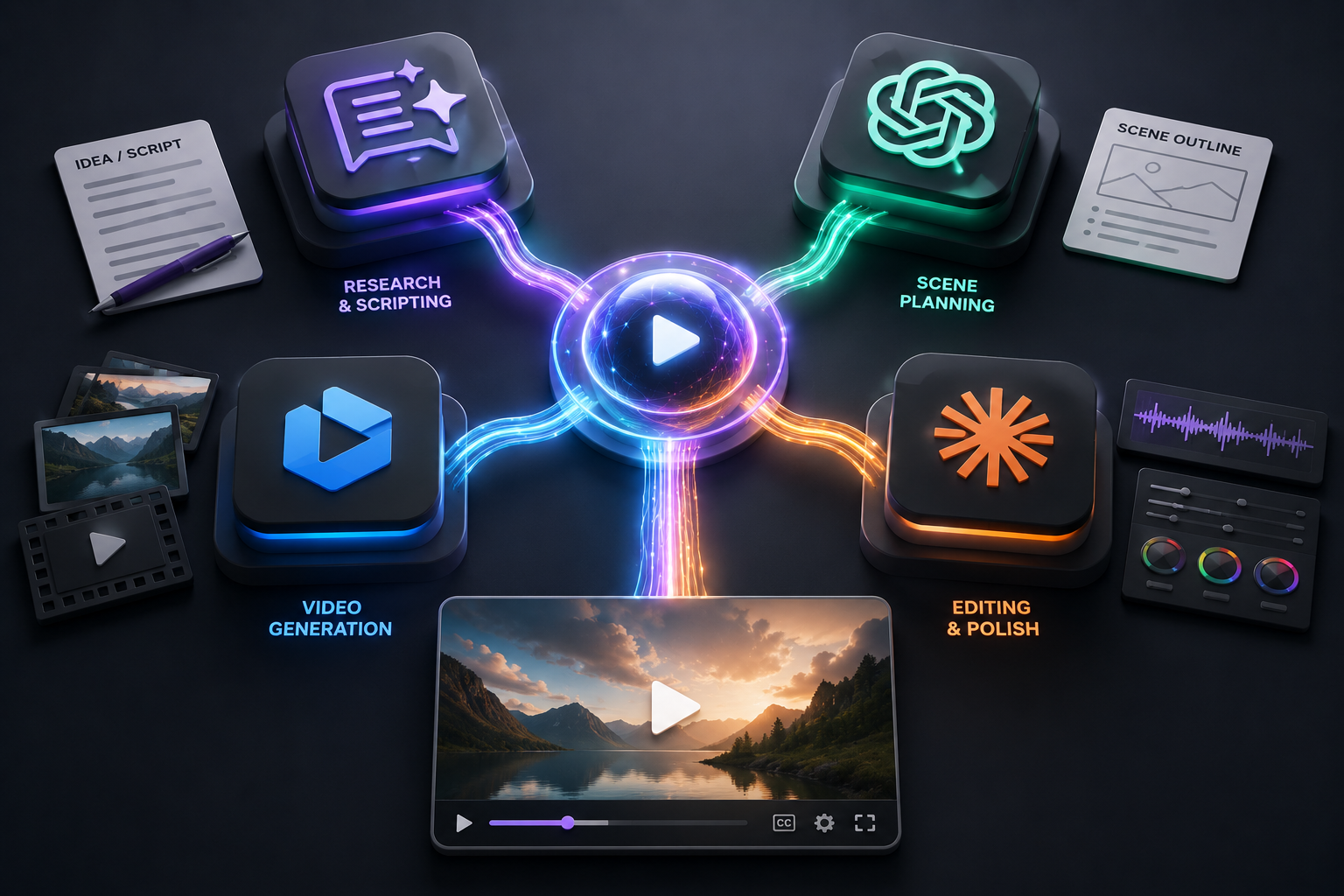
Every few months a new AI video platform claims to do it all: script writing, avatars, editing, voiceover, distribution. It’s a tempting pitch, but in practice the businesses getting the best results aren’t relying on one do-everything tool. They’re combining a handful of specialized platforms into a single, repeatable workflow.
Why One All-In-One Tool Falls Short
Platforms that try to cover every stage of video production usually compromise somewhere. The avatar options might be limited, the editing might be rigid, or the output might look noticeably “AI-generated.” None of that is a dealbreaker on its own, but stacked together it shows up in your finished video.
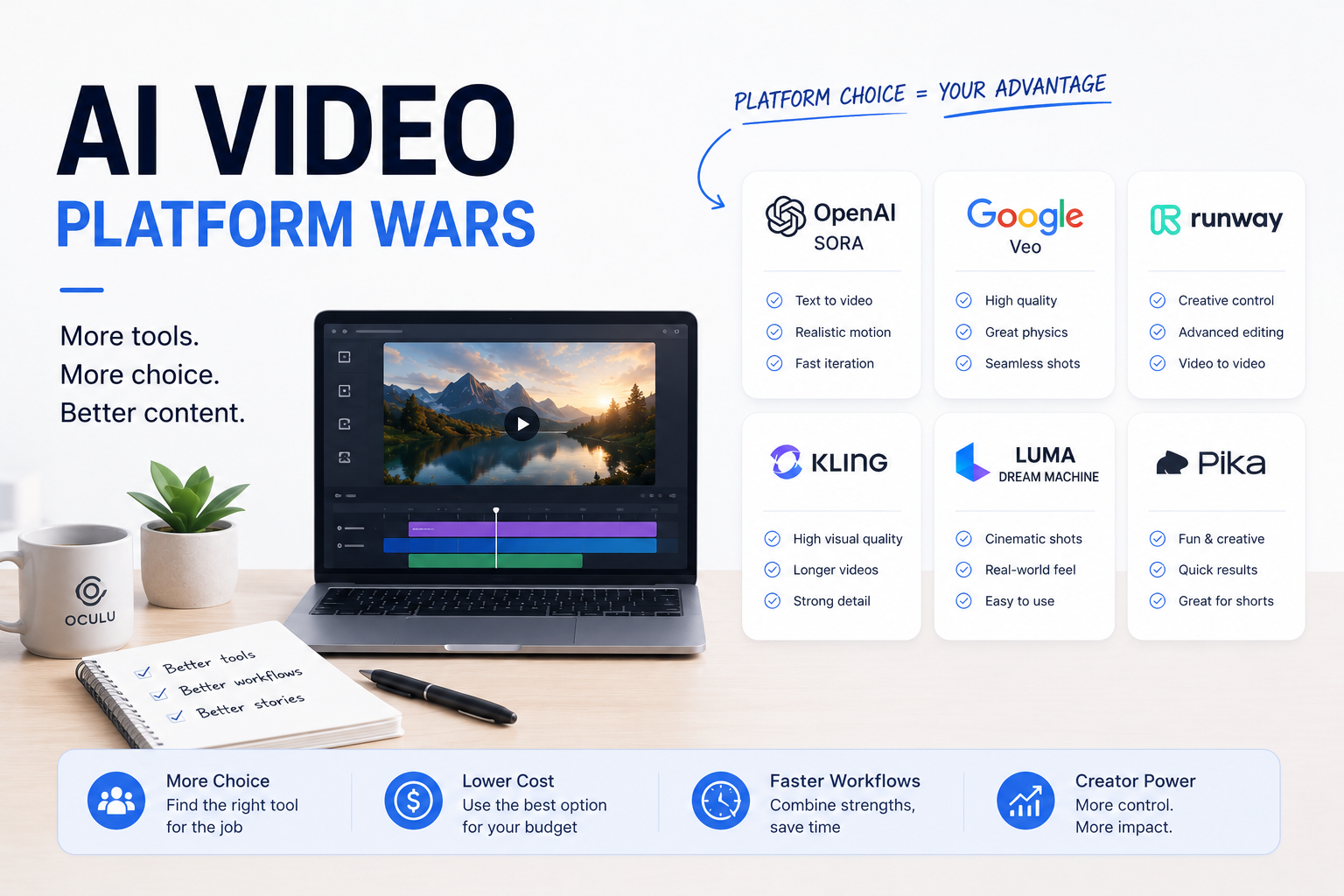
Specialized platforms, by contrast, are built to be excellent at one job. That focus is exactly why pairing a few of them together tends to outperform any single all-in-one suite.
A Four-Platform Workflow That Works
A simple four-platform split covers most business use cases:
Image generation. A dedicated image model for thumbnails, backgrounds, and product renders.
Video generation. A generative video tool for new scenes, b-roll, or concepts you can’t film.
AI spokesperson/avatar. A consistent on-camera presenter for training, updates, and social content.
Hosting and delivery. A player like Oculu to publish, track, and optimize how the finished video performs.
The output from each step feeds the next, so the workflow stays efficient even though it isn’t running through one piece of software.
Conclusion
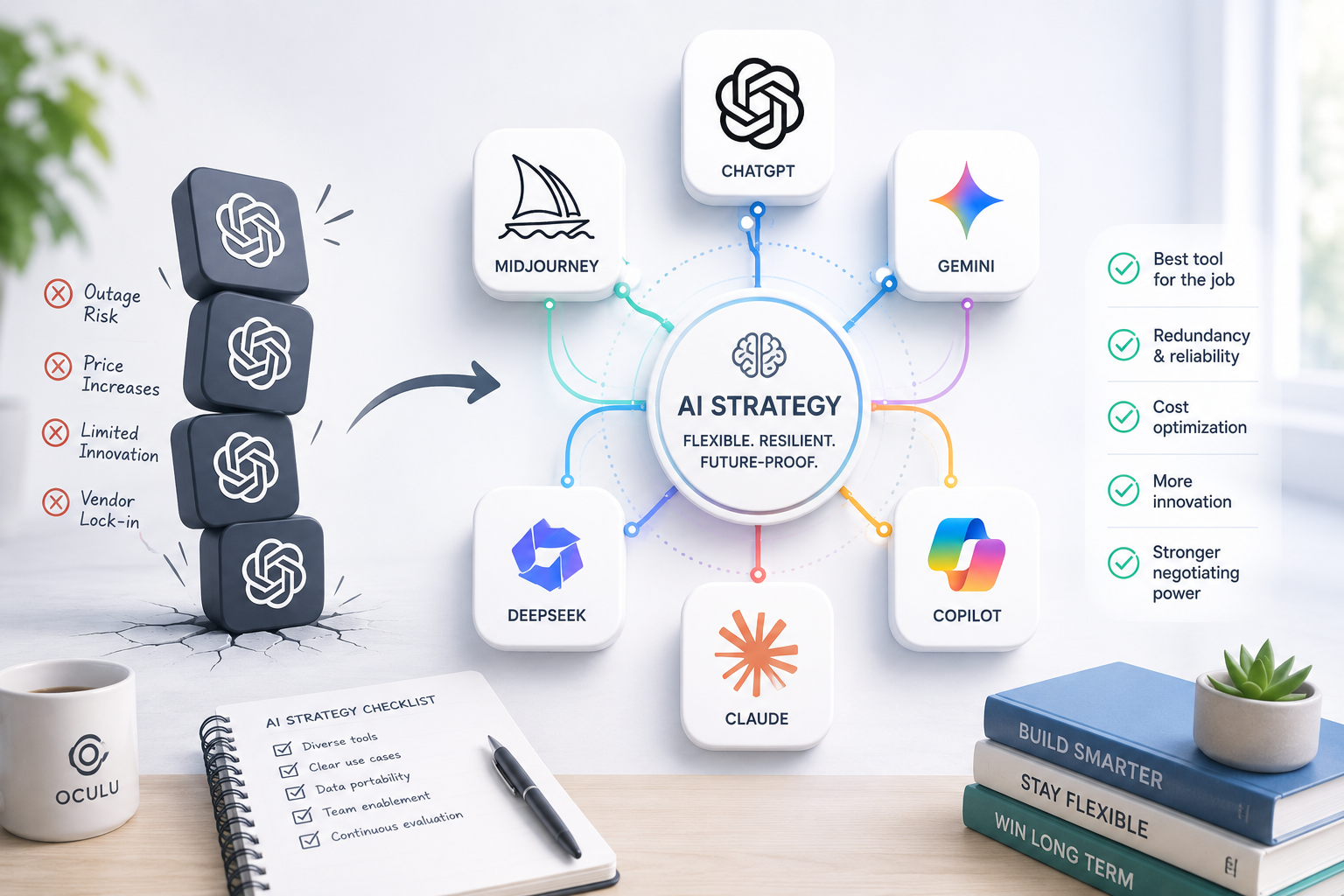
There isn’t one AI video platform that will do everything well, and chasing that platform wastes time better spent producing content. Pick strong tools for images, video, and your on-camera presence, then connect them into one workflow with a reliable hosting and delivery layer. That’s how a four-platform approach ends up simpler than a one-platform search.
That doesn’t mean more tools automatically means better output. It means choosing the right tool for each step, then connecting those steps so the process stays fast instead of becoming a scavenger hunt across ten browser tabs.
Frequently Asked Questions
Do I need one platform to handle my entire AI video workflow?
No. Most effective workflows combine a few specialized tools — typically one each for images, video, avatars, and hosting — rather than one platform trying to do it all.
How many AI tools should a typical workflow include?
Three to four is typical: an image tool, a video generation tool, an avatar or spokesperson tool, and a hosting/delivery platform to publish and measure results.
Does using multiple platforms complicate my workflow?
Not if each tool has a clear job. Complexity comes from unclear roles, not from the number of tools involved.
Follow @oculu.ai for practical AI video strategies that businesses can actually use.