

Oculu Tutorials for Video Players, Embeds, Pre-Roll, and Platform Setup
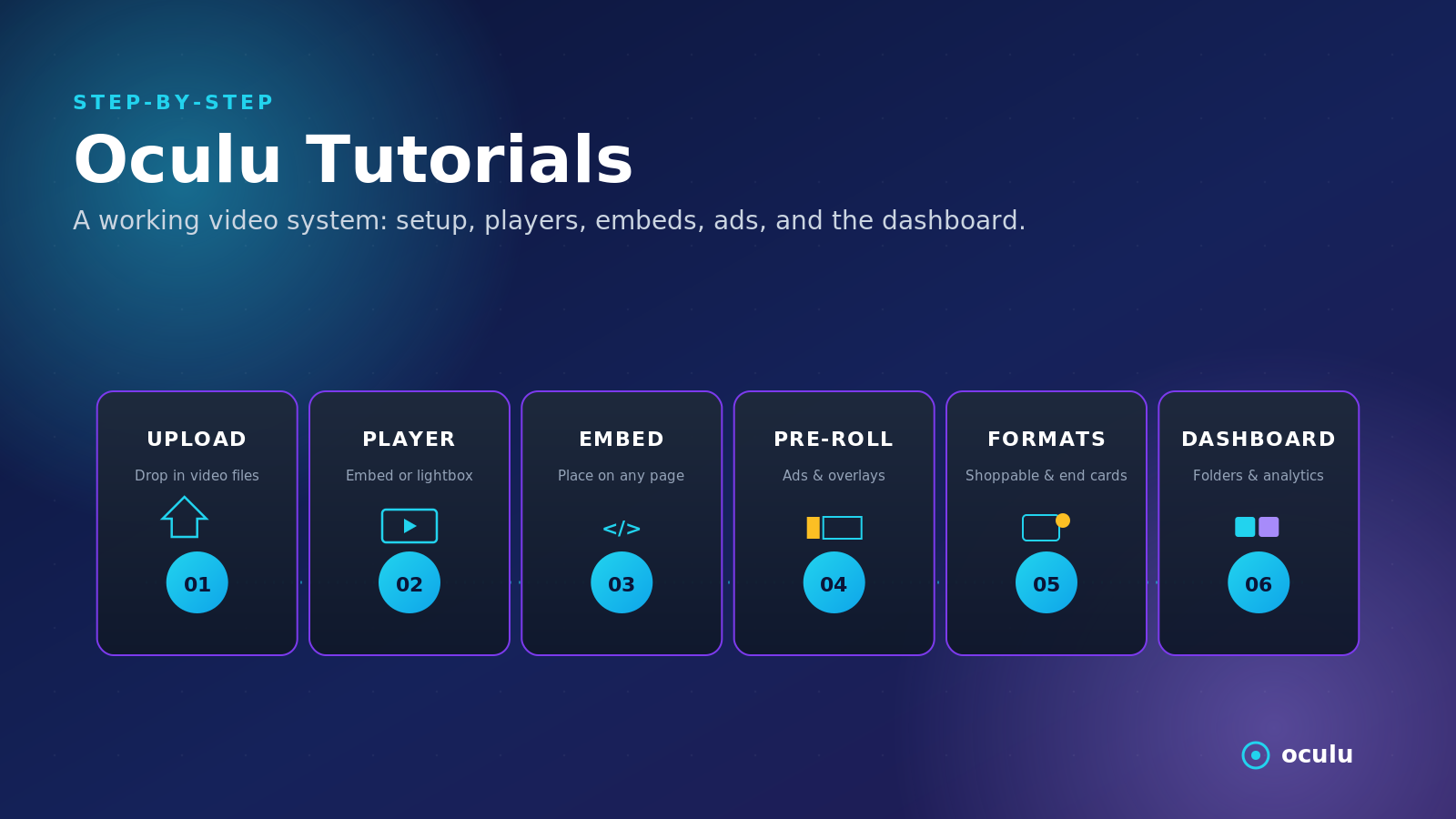
The Oculu Tutorials section explains how businesses can use the Oculu platform to publish, customize, organize, and monetize online video. These resources cover the practical setup behind video players, embed codes, overlays, pre-roll tools, outstream formats, WordPress placement, folders, and dashboard controls.
Instead of using video as a simple upload, Oculu helps teams manage video as part of a larger website, marketing, advertising, or publishing workflow.
This section includes resources on:
- Embed and iframe video setup
- Lightbox and overlay player formats
- Pre-roll and outstream video ads
- Autoplay and click-to-play settings
- Google DFP / Ad Manager video ads
- Video syndication tools
- WordPress video placement
- Folder creation and dashboard organization
- Accepted file formats
- Custom bitrate files and start assets
- Platform and player overview guides
Video Player Setup
Oculu tutorials explain how different player formats work and when to use them. Standard embeds are useful for website pages, lightbox players work well for calls-to-action, and overlay formats can support more interactive campaigns.
Key topics include:
- Embed player instructions
- Lightbox player setup
- Overlay player formats
- Iframe and script-based embeds
- Player behavior and customization
Pre-Roll, Outstream, and Advertising Tools
For publishers and advertisers, Oculu includes tools for running video ads directly on owned websites. These formats help create monetization opportunities without sending viewers to outside platforms.
This section covers:
- Click-to-play pre-roll
- Lightbox pre-roll
- Autoplay pre-roll
- Outstream video placements
- Banner-style outstream video
- Google ad integrations
Overlays and Interactive Video
Oculu’s tutorial resources also explain interactive video formats that go beyond standard playback. These tools can add calls-to-action, end cards, shoppable elements, store-location prompts, and custom campaign overlays.
Examples include:
- Video overlays
- End cards
- Custom skins
- Shoppable video
- Store-location overlays
- Direct-response campaign formats
Dashboard and Website Publishing
The tutorials also show how teams can manage videos inside the Oculu dashboard and publish them across websites, including WordPress.
Topics include:
- Creating folders
- Organizing video libraries
- Managing file formats
- Creating custom bitrate files
- Adding video to WordPress
- Publishing videos with embed scripts
- Keeping video traffic on owned websites
Why These Tutorials Matter
Oculu tutorials help teams use advanced video tools correctly and consistently.
They matter because:
- Setup becomes easier
- Videos are easier to organize
- Player formats match campaign goals
- Ad formats support monetization
- Overlays can improve engagement
- Website embeds keep viewers on owned pages
- Better implementation supports SEO and AI-search visibility
Frequently Asked Questions
Oculu tutorials help users set up video players, embed videos, manage pre-roll ads, use overlays, organize folders, create start assets, and publish video content through the Oculu platform.
An embed player appears directly on the page. A lightbox player opens the video in an overlay-style viewing window, which can work well for landing pages and calls-to-action.
Yes. Oculu supports pre-roll, outstream, autoplay, click-to-play, banner-style placements, and Google ad-related video formats.
Tutorials help teams set up video tools correctly, which can improve playback, engagement, ad performance, and long-term scalability.