

Best Video Platforms and Tools
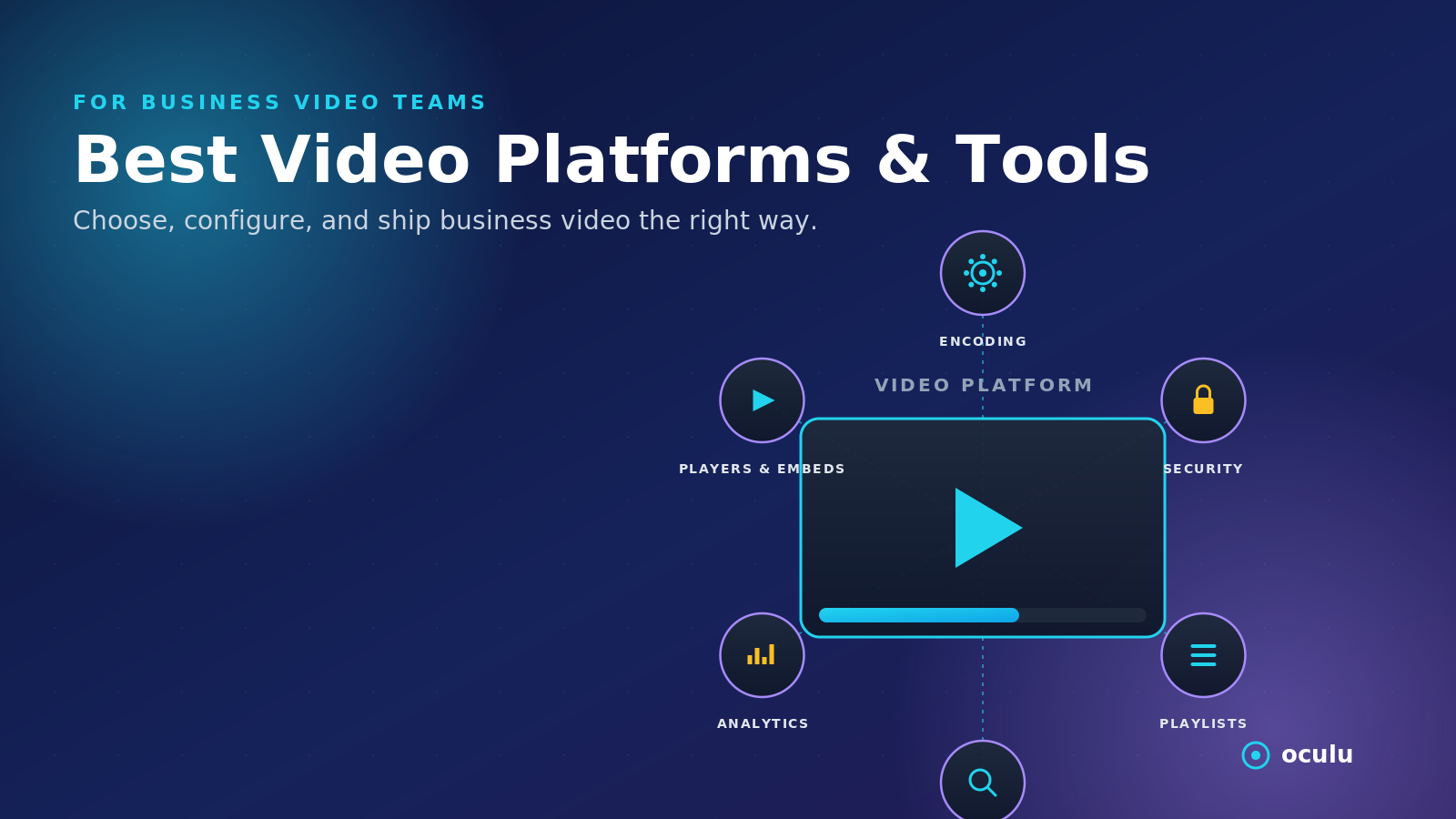
Oculu’s Best Platforms & Tools section covers the core systems businesses need to host, stream, upload, optimize, and manage online video content. These resources explain how video platforms, player formats, encoding settings, file preparation, playlists, access controls, and publisher ad tools work together to support professional video delivery.
Businesses need more than a place to upload files. They need video tools that support fast playback, mobile compatibility, branded players, analytics, monetization, and AI-search visibility.
This section includes resources on:
- Video hosting platforms for marketing teams
- Getting started with Oculu
- Website video embeds and player setup
- Live streaming setup
- Encoding settings and file preparation
- Playlist creation and video organization
- URL whitelisting, IP blocking, and access controls
- Lightbox, click-to-play, and autoplay pre-roll formats
- Reducing video file size and creating shorter clips
Video Hosting and Streaming Tools
This category explains how businesses can choose and use video platforms for marketing, publishing, training, monetization, and AI-generated video content.
Key topics include:
- What separates a basic upload tool from a professional video platform
- Why branded players and analytics matter
- How streaming setup affects playback quality
- How encoding, bitrate, resolution, and file size impact performance
- Why mobile-friendly video delivery is important
Video Player Formats
Different business goals need different player formats. A product demo, landing page video, publisher ad, and interactive overlay should not always use the same video experience.
Oculu resources cover:
- Standard embedded players for website pages
- Lightbox players for calls-to-action
- Overlay formats for interactive campaigns
- Click-to-play pre-roll for publisher monetization
- Autoplay pre-roll for high-visibility ad placements
File Preparation and Optimization
Before a video performs well online, it needs to be properly prepared. File quality, size, audio, and formatting all affect how well a video plays across devices.
This section includes guidance on:
- Preparing video files before upload
- Reducing file size without losing too much quality
- Mixing audio for internet delivery
- Creating clips from longer videos
- Choosing settings that reduce buffering and improve playback
Publisher and Website Video Tools
For publishers and businesses, video tools also support advertising, lead generation, and website engagement.
This section explains:
- How to add video to a website
- How embed scripts work
- How publishers can use pre-roll video ads
- How overlays and end cards support direct-response campaigns
- How Oculu helps manage video from one platform instead of relying only on third-party upload sites
Why These Tools Matter
Professional video tools help businesses turn video into a measurable business asset.
They matter because:
- Fast playback reduces bounce rates
- Proper encoding prevents buffering
- Branded players create a better user experience
- The right player format can improve conversions
- Analytics show how viewers interact with content
- Access controls help protect video assets
- Metadata and page structure improve SEO and AI-search visibility
Frequently Asked Questions
The best platform depends on the business goal. Marketing teams usually need branded players, analytics, fast streaming, and website embeds. Publishers may also need pre-roll ads, overlays, and monetization tools.
Standard embedded players work well for most website pages. Lightbox players are useful for landing pages and calls-to-action. Overlay and pre-roll formats are better for advertising, interactive campaigns, and publisher monetization.
Encoding settings affect video quality, file size, load speed, buffering, and mobile playback. Proper encoding helps videos stream smoothly without making files unnecessarily large.